
 LiftCloud
Your Zepp OS workouts, synced to the cloud.
Log sets on your watch. Track rest timers, volume and 1RM on any device, and keep ownership of your training data.
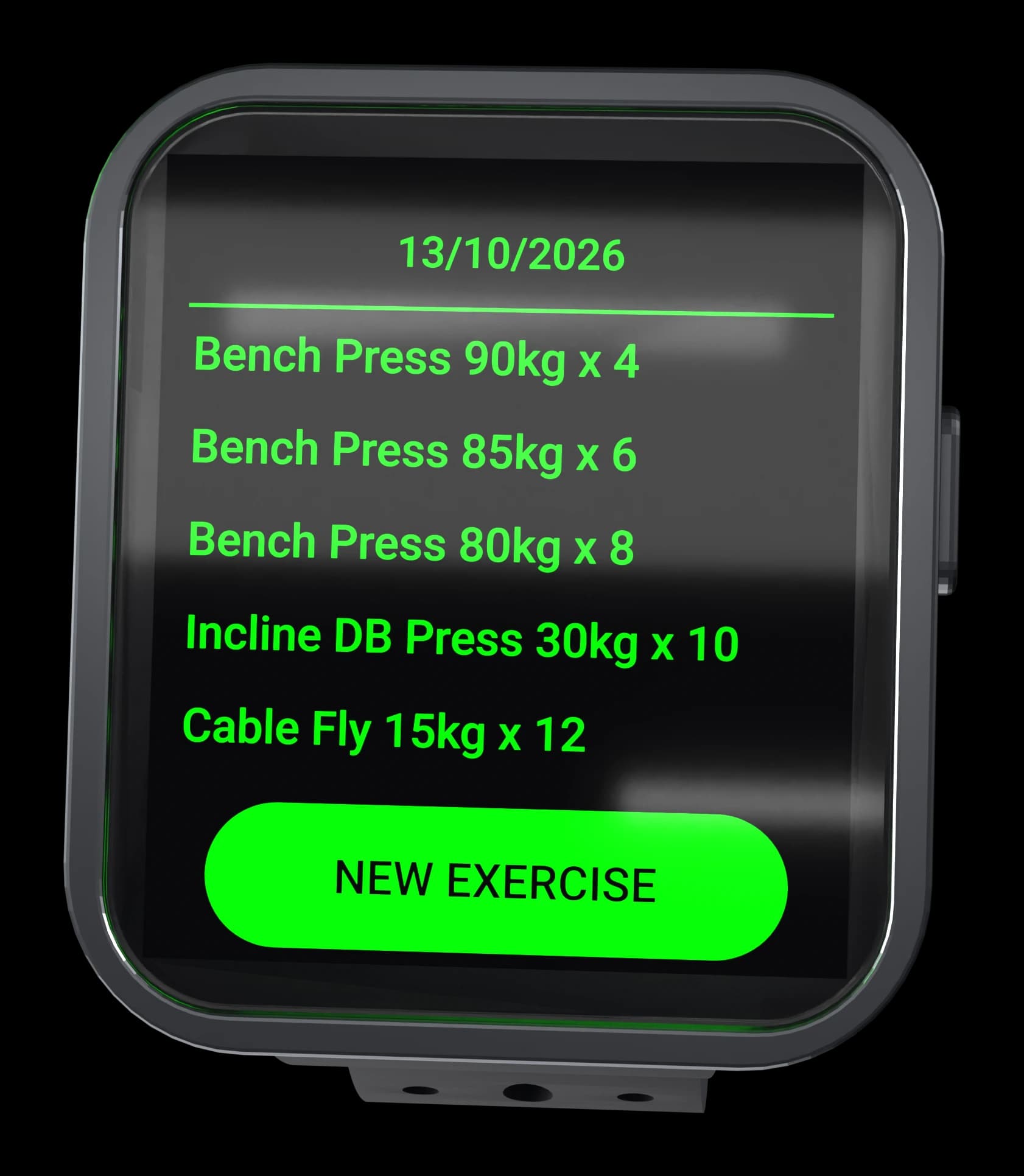
On the watch
Everything that happens between sets
Logging, resting and reviewing, on the screen you already have on your wrist.
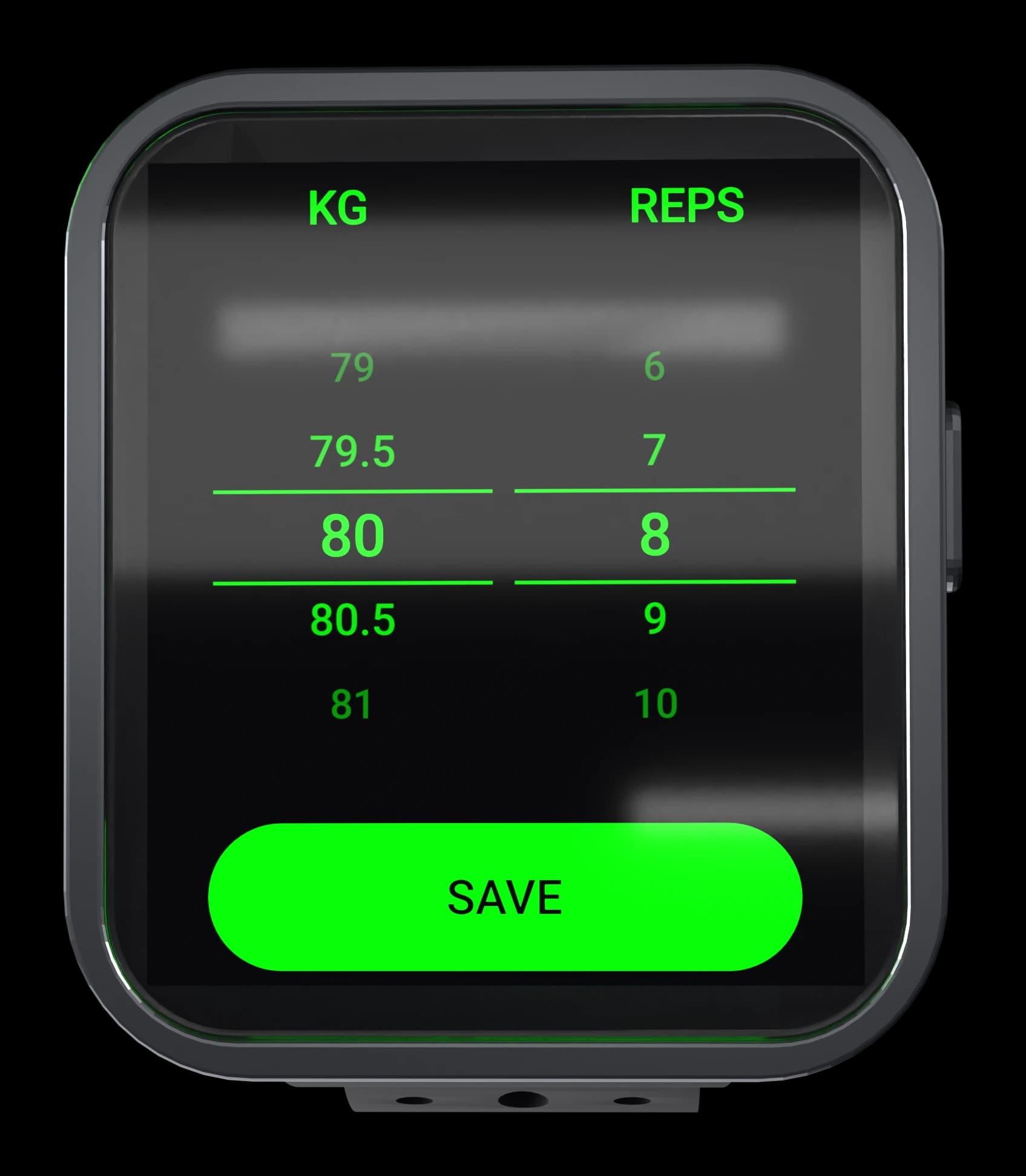
Logging
Log a set without looking up
Weight on one wheel, reps on the other. The numbers you saved are already in place, so most sets are one tap.
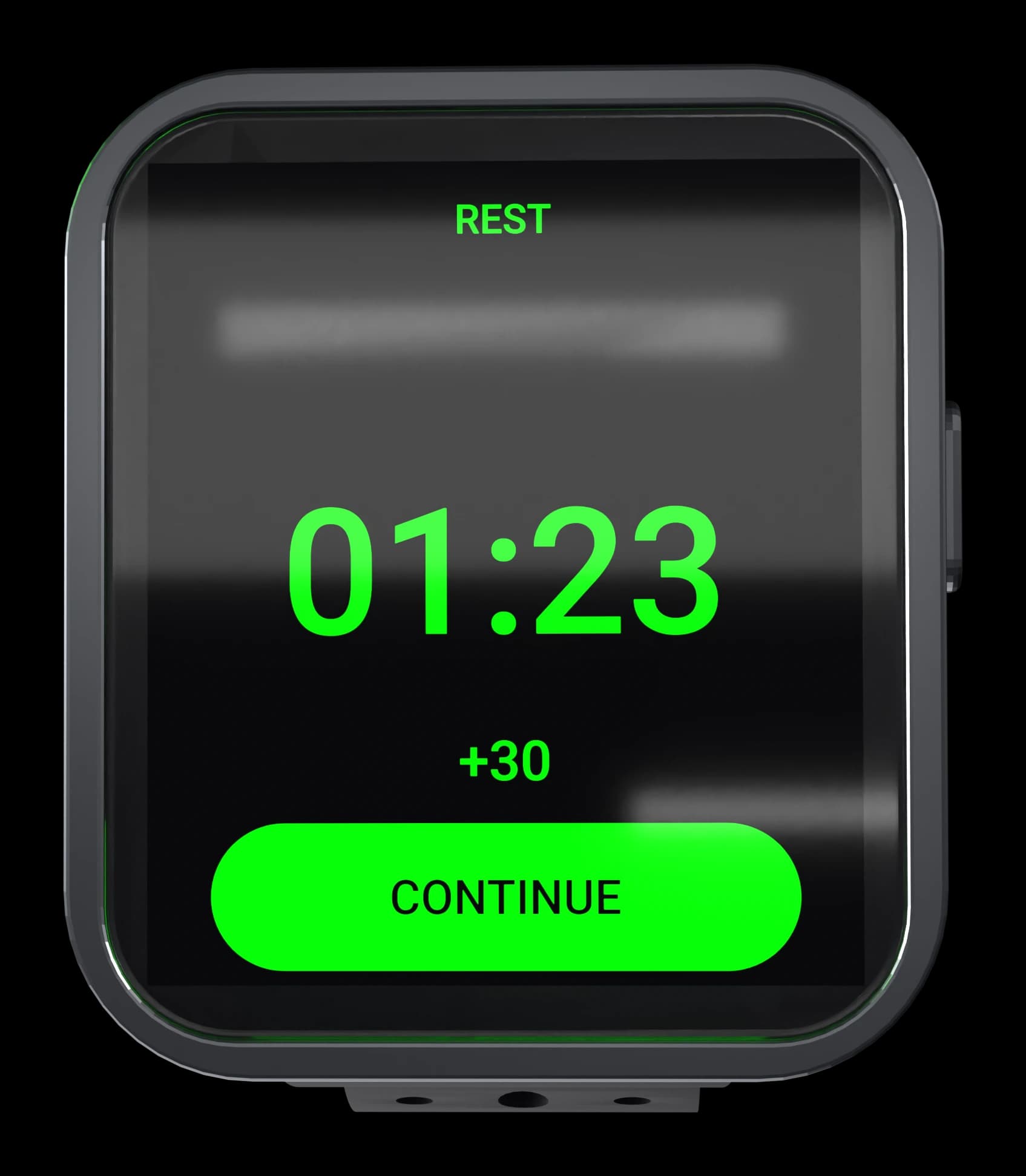
Rest timers
Rest, without reaching for your phone
Set per workout default rest times. The watch buzzes when it is up, so you can focus on your next set.
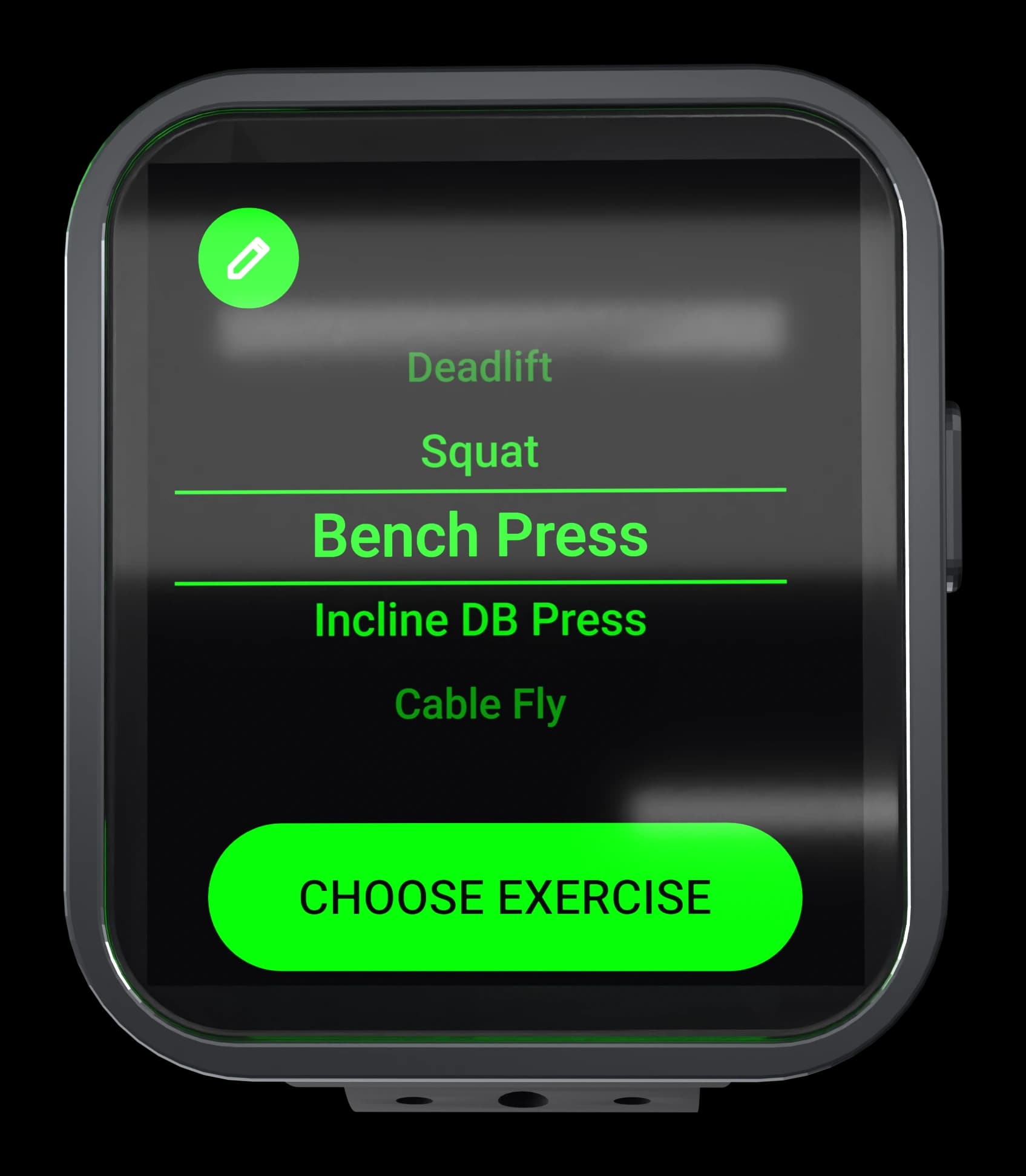
Exercise list
Your lifts, on the watch
Build your own list (bench, squat, whatever you actually train) with a default weight and rest time per lift. The picker loops, so the last exercise is one flick from the first.
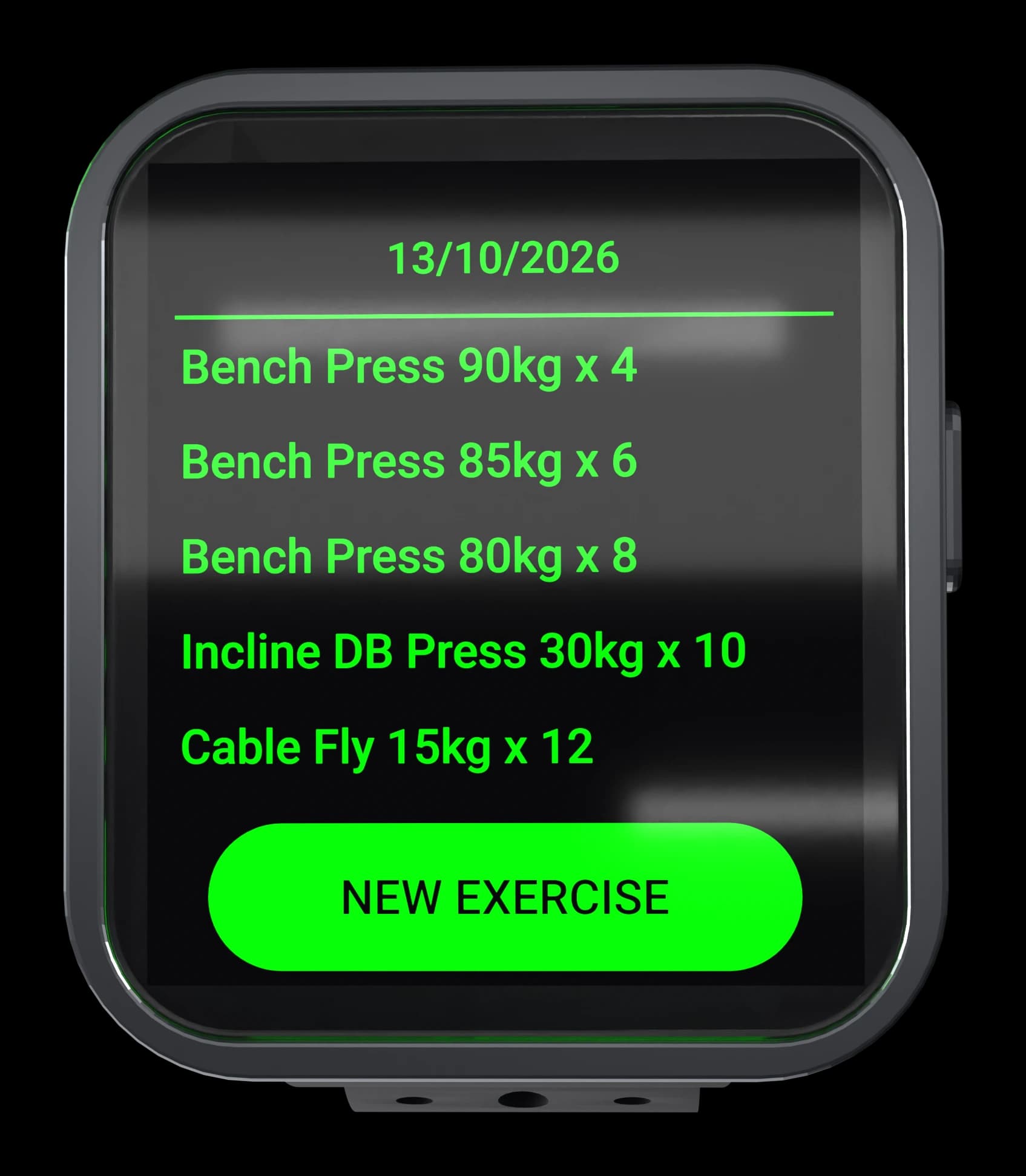
History & sync
Every set, on the record
Sets are grouped by day and pushed to your own database as you train. The watch keeps working offline and syncs when it can, so bad reception will never make you lose data.
Features
Everything you need to train, on your wrist
LiftCloud is a workout logger first: fast to log, useful to review.
Rest timers
Built-in rest countdowns between sets so you keep your pace without juggling a phone.
Volume graph
See weekly volume trends for every lift, so deloads, plateaus and overload are obvious at a glance.
1RM tracking
Estimated one-rep maxes update automatically from every set you log.
Cloud sync
Your data lives in the cloud, not locked to a single device.
How it works
From watch to cloud in three steps
No account gymnastics on the watch. One token, one-time setup.
Install the app
Get LiftCloud from the Zepp app store and install it on your Zepp OS smartwatch.
Subscribe
Pick monthly, annual or lifetime. You'll get a license token in your account dashboard.
Paste your license token
Enter the token once in the app's Settings. Your watch starts syncing immediately.
Pricing
Simple, honest pricing
Monthly
Billed monthly. Cancel anytime.
- Cloud sync
- Rest timers
- Volume graph
- 1RM tracking
Annual
≈ $1.58/month
Billed yearly. Save ~47% vs monthly.
- Cloud sync
- Rest timers
- Volume graph
- 1RM tracking
Lifetime
Pay once, own it forever.
- Cloud sync
- Rest timers
- Volume graph
- 1RM tracking
Every plan includes the same features. Have questions? Contact us.
FAQ
Frequently asked questions
Everything you need to know before subscribing.
Which watches does LiftCloud support?
Any Zepp OS smartwatch that can run the LiftCloud app from the Zepp app store. The app is designed for the small screen: big buttons, glanceable timers, fast logging.
How does billing work?
Payments are handled by Lemon Squeezy, our merchant of record, so they collect and remit VAT/GST for you. We never see or store your card details.
How do I connect my watch to the cloud?
After subscribing you get a license token in your account dashboard. Paste it once into the app's Settings on your watch and sync starts immediately.
What happens if my subscription ends?
Your data stays in your account and remains readable. Sync pauses until you re-subscribe or rotate to a new plan. Nothing is deleted.
Can I cancel anytime?
Yes. Cancel from the billing portal in your account. You keep access until the end of the period you paid for. See our refund & cancellation policy for details.
Can I switch plans later?
Yes. Upgrade, downgrade or switch to lifetime from your account. Your token stays the same, so there's nothing to re-enter on your watch. You only get a new code if your subscription expires and you subscribe again later.
Is my training data private?
Yes. Your data lives in your own account in a dedicated database, separate from billing. Entitlement checks never include personal information like your email or name.
Ready to take your training to the cloud?
One license token unlocks sync on your watch. Cancel anytime.